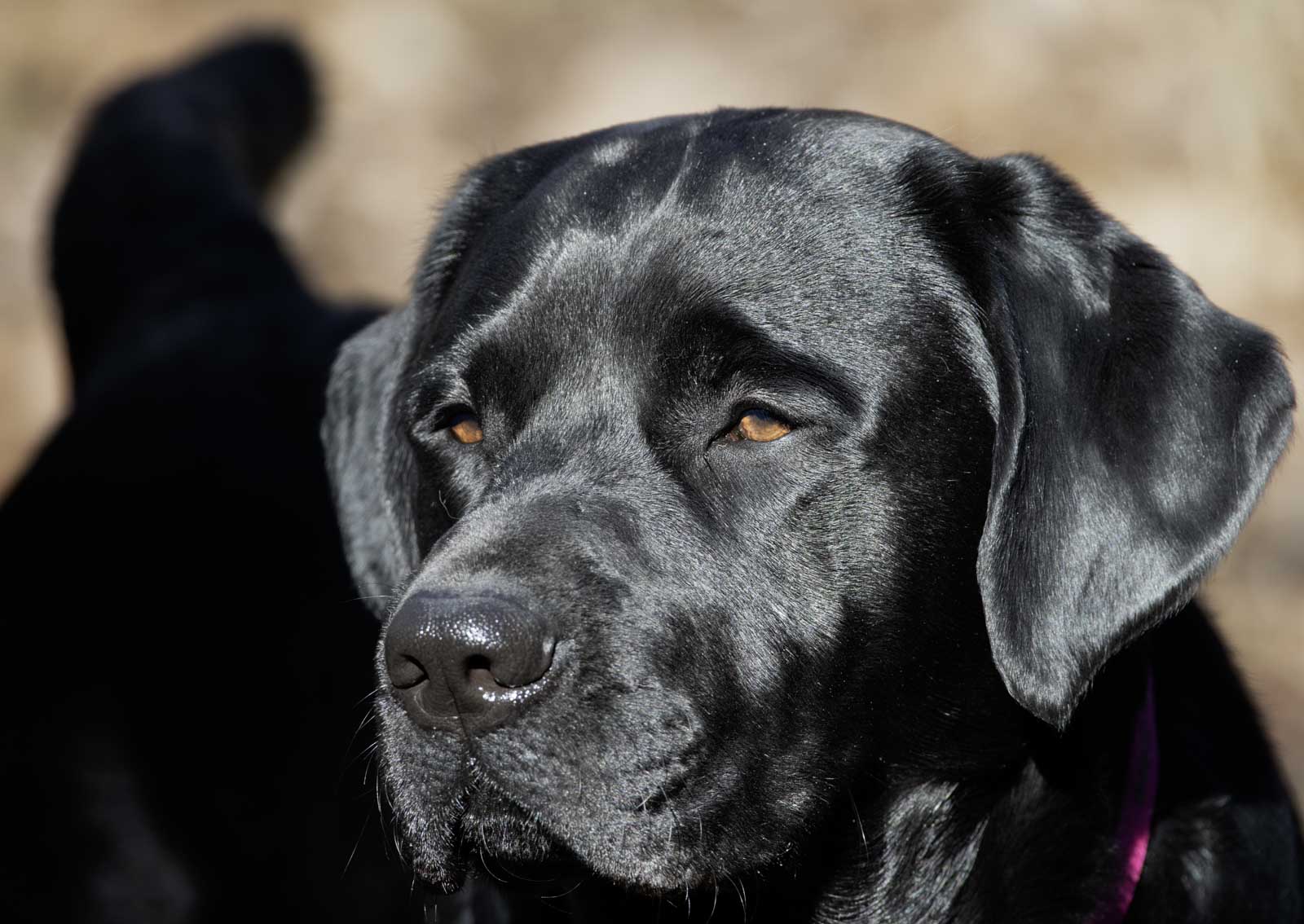

Going that extra step to make good photos great often requires a little elbow grease. Enter pet photography editing software.
My go-to editing program is Lightroom, an Adobe product. Whether you’re looking to enhance colors, adjust lighting or remove distractions, Lightroom can do it. Additionally, I back Lightroom up with Photoshop, which has some amazing capabilities that Lightroom does not have.
This article has two goals. Firstly, demystify the art of editing photos. Secondly, provide tips and insight on how to get to the finished product with speed and quality.
So let’s dive in.
It’s time to hurdle the roadblocks of photo editing programs
Here are the roadblocks we here a lot with pet photography editing:
Fear. Making mistakes scares people. As a result, they shy away from programs like Lightroom and Photoshop. Don’t be scared! Editing software is as forgiving as any document software from Microsoft or Google. For example, if you make a mistake, simply undo it. Easy peasy.
Too Complicated. Today’s programs allow you to be up and running quickly. Also, Adobe Lightroom has an intuitive user experience to help beginners get going quickly.
Overwhelming. Many people new to pet photography editing software want to eat the elephant all at once. Consequently, they become overwhelmed. Our approach is to take it one bite at a time. For instance, focus on the adjustments that have the most impact and hone your skills from there. Surprise, that’s the next section.
How do I get started with photo editing for dog photography?
Photoshop Elements was my first editing product almost 25 years ago. The Elements product is still available today and is focused on the beginning photographer.
My go-to resource for Lightroom and Photoshop is Matt Kloskowski. He is an accomplished professional pet photographer who makes the complicated sound easy. Additionally, I saw a recent review of the Nine Best Photo Editing Software Programs for Beginners. It is from Expert Photography, a valuable resource. It’s a thorough, but quick read.
How can I make my pet photography sparkle
Below are the nine features of pet photography editing in Adobe Lightroom I use most. On a typical photo, I can get through these in less than five minutes:
Cropping. I do this first because to prioritize the areas of the photograph that needs adjustments.
Exposure. This adjusts the overall brightness or darkness.
Highlights. They are the brightest areas of the image that sometimes look overly bright.
Shadows. These are the darkest areas of the image that can be brightened to show more detail.
Saturation. This controls the richness of the colors. Be careful not to over-saturate photos to the point they look unnatural. Less is more with saturation.
Texture. If increased, texture brings out more details (think your dog’s coat). If decreased, it softens or smooths the details. Basically, it depends on the look you want.
Dehaze. This is a great feature. For example, some cameras don’t handle hazy or cloudy days very well. Dehaze does just what it says.
Sharpen. This can take a photo that is slightly out of focus and make it look better. According to some experts, sharpening doesn’t fix an out of focus photo. They may be technically right, but my eyes often tell me a different story. If it helps, use it.
Remove Tool. I remove spots that may have been dust on the lens. Further, I also remove errant tree branches or posts in the background. Gotta have this!
Understand file types to improve your pet photography
Understanding the different types of files will be beneficial in editing. Here are some of the most common file types used in photography:
JPEG (.JPG). It is the most widely used file format for digital images. It offers a good balance between image quality and file size, making it suitable for sharing and displaying photos online.
PNG (.PNG). These files are often used on websites to display high quality images. They are also ideal for graphics and images with transparent backgrounds, such as logos, watermarks or overlays for pet photography portfolios.
TIFF (.TIF). These are high-quality images that retain all image data and detail. They are perfect for large format prints or creating archival backups of pet photography dog portraits.
GIF (.GIF). These images use animation and are commonly used for short animations, memes and social media posts.
HEIC (.HEIC). This is a modern image that provides high-quality images with smaller file sizes. You most often find it used on Apple devices. It offers efficient storage and sharing of photos.
Understanding file types is crucial for pet photographers to make informed decisions about how to capture, store and share their precious memories of furry friends.
What is the best advice for photo editing?
Less is often more with pet photography editing.
I want my photos to look like what my eyes saw. Said another way, I don’t want my photos to look unnatural.
The photo below was a surprise. I saw this sunset as I came out of the mountains. When I saw the photo in my editing program my first thought was no one will believe it looked like this. They will think I somehow manipulated it. No way the sky was that red they will think.

Well, it was, and I left it.
You would be right if you guessed that, for a moment, I considered decreasing the saturation adjustment.
Check out my other types of animal and bird photography: wild horses, moose, birds of prey and golden retrievers,
In conclusion, there is so much more to photo editing than what we breezed through here. However, the tips will serve you well as you start your journey. Please don’t hesitate to contact me at tgurley24@yahoo.com if you have any questions or comments.

Todd Gurley: Better Late Than Never
Todd Gurley is a photographer who has come to the professional party late, but has had a big boy camera since he was 14.
Todd’s love of photography always had an outdoor focus. It started with sports, evolved to landscape, and then wildlife and birds.
And now pets!.
Based in St. Louis, Missouri, but an Arkansan at heart, Todd lives with his partner in crime of 50 years Sheila and about 250 pounds of dogs. They have two golden retrievers named Gracie and Ellie and one black lab named Norman. And bringing up the rear is an additional 10 pounds from Sally the rescue cat. She’s in charge if you are wondering.
Todd has this other business with his son Drew called Redbird Advisors. Oh, and he now has this website which was first discussed 25 years ago.
No wine before its time!
P.S. The photo above was taken on our way to the summit of Mt. Quandary, a 14,271-foot peak in the middle range of the Rockies, south of Breckenridge. Colorado. There are 58 named “14ers” in Colorado, the most of any state.
3 responses to “Quick guide to pet photography editing with Adobe Lightroom”
[…] We won’t spend much time on it here, but post-processing software can play a big role in the ultimate photograph. There are many software programs available such as Photoshop, Lightroom and others that provide adjustment capabilities to further improve your images. Learn more in our recent article about photo editing software. […]
[…] A professional will be prepared for either situation. If indoors, there will be more stress on your camera equipment. Indoor light is not nearly as bright and always inconsistent. Some bulbs put out a warmer, orangish light while others put out a cooler, bluish light. With professional-level cameras you can adjust the exposure to compensate for the light. With cell phones, you will likely have to adjust in post-production. See more benefits of using a pro in our article on Hiring a Professional Dog Photographer. Also, give a read to our article on Pet Photography Editing with Lightroom. […]
[…] The fix: The most well-known photo editing programs are Lightroom and Photoshop, both products from Adobe. Both programs have amazing capabilities, but they can also be used by amateurs. There are about six to eight adjustments that can turn your “meh” photos into works of art. We use these adjustments the most: exposure, highlights, shadows, contrast, color and sharpness. Learn more in our quick guide about these amazing photo editing programs. […]